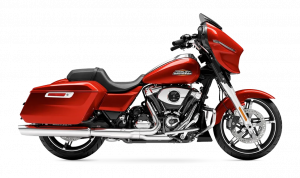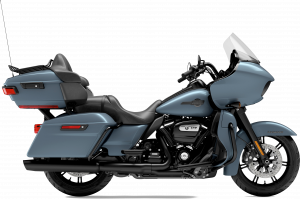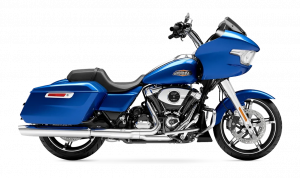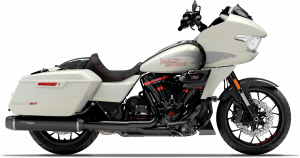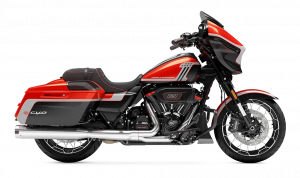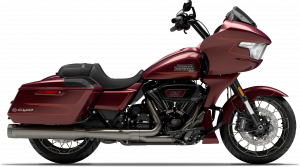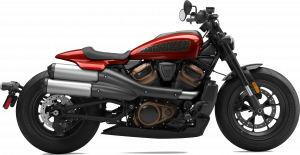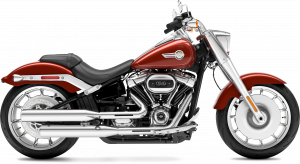
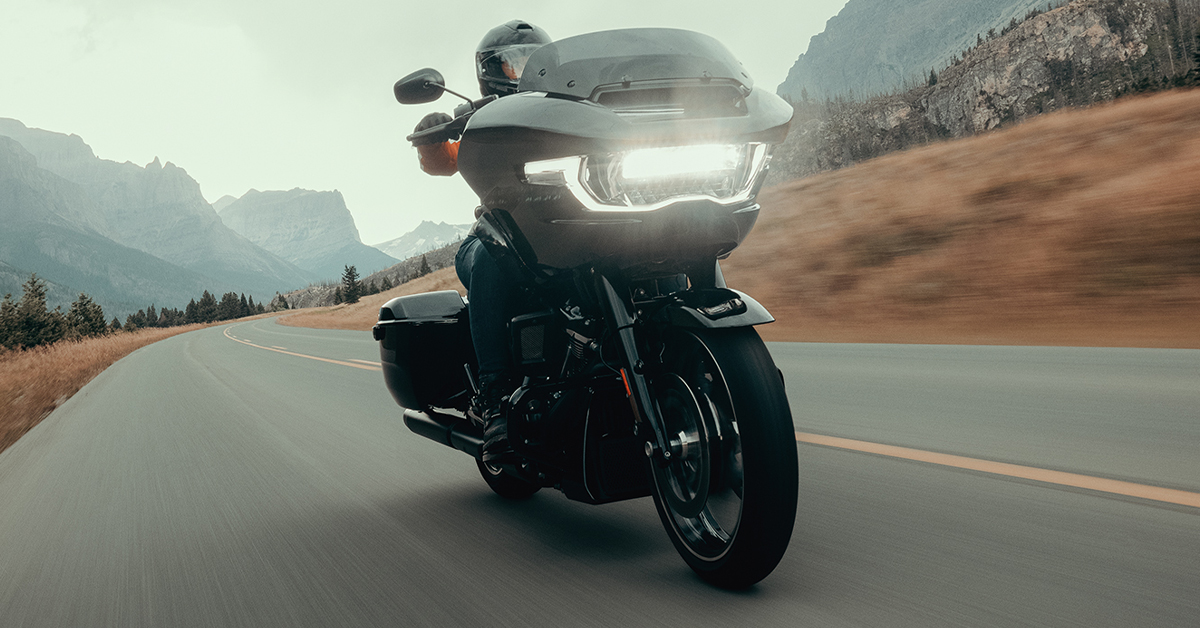
The Harley-Davidson App makes planning your 2026 ride simple by letting you map routes, add waypoints, and launch GPS navigation right from your phone. Riders can build a custom trip, sync it across devices, and use advanced tools to shape the perfect path through Redding, Shasta, Keswick, Buckeye, and beyond. With features designed for smooth, scenic, and personalized rides, it delivers everything you need to plan your next adventure with confidence.
Shasta Harley-Davidson is proud to support riders across Northern California with dependable sales, expert service, trusted parts, and a team that’s always ready to help. Whether you’re planning your next route or gearing up for your next Road Glide ride, our staff is here to assist every step of the way. Contact us or give us a call today and let us help you get the most out of your ride.
Getting Started with the Harley-Davidson App
Starting with the Harley-Davidson App is simple and fast. Once installed on your phone, it opens up a world of ride planning tools. Road Glide riders find it especially handy for setting routes before hitting the road. The app helps you plan trips, track progress, and enjoy smooth navigation. Getting started takes just a few easy steps.
To begin using the app effectively:
- Download the latest version on iOS or Android.
- Sign in with your Harley-Davidson account.
- Allow location access for accurate navigation.
- Explore the menu to find ride planning tools.
The app also includes Harley-Davidson App route navigation, which guides you turn by turn on every ride. You can see your path clearly, making it easier to focus on the road. Road Glide riders will appreciate how simple and responsive the system feels during rides. Once set up, your rides can be saved, shared, and adjusted as needed. It turns every trip into a smooth, stress-free experience.
Planning a Ride Within the Harley-Davidson App
Planning a ride in the Harley-Davidson App is simple and flexible. Riders can map trips that match their style and pace. Road Glide owners often use it to find scenic roads and key stops. The app keeps everything in one place and makes navigation easy. You can plan short runs or long day trips with confidence.
Steps to plan a ride include:
- Open the ride planner in the app.
- Set your starting point and destination.
- Add waypoints like gas stops, scenic roads, or Harley dealerships.
- Adjust the route to match your preferred path.
- Save the ride for quick access later.
Harley-Davidson App route navigation makes following your planned path effortless. It shows clear directions and keeps you on track without distractions. Road Glide riders can enjoy smoother rides while focusing on the road.
The app also allows you to tweak routes anytime, so every trip is fully personalized. Planning ensures a safer and more enjoyable ride every time.
Adding Scenic Stops and Waypoints with the HD App
Using the Harley-Davidson App motorcycle ride planner, you can make every ride more fun and memorable. Road Glide riders especially enjoy adding stops to explore scenic spots or rest along the way.
Waypoints help keep trips organized and let you see the best roads. Planning also makes longer rides safer and smoother. Tips for adding scenic stops and waypoints:
- Mark gas stations or rest areas along your route.
- Include Harley-Davidson dealerships for quick service or parts.
- Add scenic views like Shasta Lake or Keswick Dam.
- Highlight local landmarks or small towns for short breaks.
- Save these stops in the app for easy access later.
With waypoints and scenic stops, you can turn simple trips into exciting adventures. Road Glide riders can take advantage of winding roads and local sights. The app makes it easy to adjust your path as needed, keeping rides flexible and enjoyable. Every stop becomes part of the ride, not just a pause along the way.
Saving Routes and Starting GPS Navigation
Once your ride is planned, the H-D App next ride features make saving and navigating simple. Road Glide riders can keep all routes ready for easy access. Saving a route ensures you don’t lose a planned trip and makes future rides faster. The app also makes GPS navigation easy, so you can follow your path without worry.
Steps to save and start navigation:
- Tap the save button after planning your route.
- Name the ride for easy reference.
- Access saved rides anytime from your profile.
- Launch GPS navigation for turn-by-turn guidance.
- Adjust routes on the fly if needed.
Saved routes and navigation keep rides smooth and stress-free. Road Glide riders can focus on the road, not directions. These features help you enjoy every ride, whether it’s a quick run or a full-day adventure. Planning, saving, and navigating all work together for safer, more enjoyable trips.
Recording a Ride for Spontaneous Adventures
Not every ride needs a set plan. The Harley-Davidson App lets you record rides on the go, making spontaneous trips easy. Road Glide riders can hit the road and track every turn without pre-planning. This feature is perfect for exploring new roads while keeping a record of your journey.
Learning how to use Harley-Davidson App ride planning 2026 tools can make these unplanned rides just as smooth as mapped routes.
Key steps to record a ride:
- Open the app and select the record option.
- Start riding and let the app track your path.
- Add notes or waypoints as you go.
- Save the recorded ride for future use or sharing.
- Replay the ride or adjust it for next time.
Recording rides makes every adventure easy to capture and repeat. Road Glide riders can enjoy the freedom of the road without losing track. This feature also helps turn spontaneous trips into routes you can use again later. It’s a simple way to explore while staying organized.
Using the Desktop Ride Planner for Detailed Route Building
The Desktop Ride Planner offers a bigger screen and more tools for detailed route building. Road Glide riders can plan longer trips with ease.
The planner helps you see all turns, stops, and scenic roads clearly. Once the route is ready, it syncs with the app for easy use on the road. This makes Harley-Davidson App route navigation simple and reliable.
Steps to use the Desktop Ride Planner:
- Log in to the Harley-Davidson Ride Planner website on your computer.
- Set your starting point and final destination.
- Add waypoints like gas stations, scenic areas, and local landmarks.
- Adjust routes to fit your preferred roads or detours.
- Save the route and sync it to your mobile app for navigation.
The desktop planner is ideal for detailed, multi-stop trips. Road Glide riders benefit from the extra control when planning longer rides. Routes can be edited, saved, and accessed on the go, making every trip smooth. This combination of desktop and mobile planning ensures you stay on track.
Syncing Desktop Routes with the Mobile App
After building a route on the desktop, syncing it to your mobile app keeps your trips ready to ride. Road Glide riders can plan on a big screen and ride with ease. The Harley-Davidson App motorcycle ride planner makes it simple to transfer routes.
Once synced, all your waypoints, stops, and adjustments appear on your phone. This ensures smooth navigation without re-entering details.
Steps to sync routes:
- Make sure your mobile app is signed in with the same account as your desktop planner.
- Save your route on the desktop planner.
- Open the mobile app and refresh your rides list.
- Confirm the route appears and check waypoints.
- Launch GPS navigation directly from your phone for your ride.
Syncing desktop routes keeps planning and riding connected. Road Glide riders can enjoy seamless trips from start to finish. It also makes multi-stop rides easier and stress-free. This integration ensures every ride is fully mapped and ready.
Why the Harley-Davidson App Is an Essential Tool for Local Riders
The Harley-Davidson App is a must-have for riders in Redding, Buckeye, Shasta, and Keswick. Road Glide owners rely on it to plan, track, and navigate trips with ease. Its H-D App next ride features make rides safer and more fun.
You can map routes, add stops, and follow GPS directions all in one place. The app saves time and reduces stress while keeping every ride smooth.
Key benefits for local riders include:
- Easy route planning for short or long trips.
- Turn-by-turn GPS navigation for safer rides.
- Adding scenic stops and local landmarks along the way.
- Recording spontaneous rides for future use.
- Syncing desktop routes to the mobile app for convenience.
With these tools, Road Glide riders can enjoy every ride to the fullest. The app keeps trips organized and simple, letting you focus on the road. Local riders gain more confidence, freedom, and enjoyment with every adventure. It turns every ride into a smooth, memorable experience.
Frequently Asked Questions About The Harley-Davidson App
Riders often want quick, clear answers on how to plan, navigate, and record rides with the Harley-Davidson App. The following FAQ provides concise guidance to get started fast.
What features does the Harley-Davidson App offer for planning a ride?
The app lets you map routes, add waypoints, save rides, navigate with GPS, record trips, and share rides.
How do I map and navigate a route using the Harley-Davidson App?
Set start and end points, add stops if needed, save the route, then follow GPS navigation.
Can I record and share my motorcycle ride using the app?
Yes, you can record rides and share or replay them later.
How do I locate dealerships, gas stations, and waypoints in the app when planning a ride?
Use the search or waypoint features to add local stops and landmarks to your route.
What steps should I follow to download, set up and start using the app for my next ride?
Download the app, sign in, allow location access, and start planning or recording your ride.
These short answers help riders quickly use the Harley-Davidson App and its features for every Road Glide or motorcycle trip.
Plan Your Next Ride with Shasta Harley-Davidson
Riders from Redding, Buckeye, Shasta, and Keswick can rely on Shasta Harley-Davidson for expert guidance and support. Our team is ready to help with sales, service, parts, and accessories. We carry a wide selection of motorcycles, including the Road Glide, so you can find the perfect ride for your next adventure. Take your riding skills further by learning about proper group riding techniques, the differences between solo and group trips, or how to handle wind, rain, and heat on the road.
Check out our riding guide, solo trips, and wind riding tips to prepare for every ride. Contact us or stop by today to see how the Harley-Davidson App can enhance your next trip. This keeps your rides safe, smooth, and fun while letting you make the most of your Road Glide and the open road.
Get Directions to Shasta Harley Davidson
Disclaimer: All information is provided for general informational and entertainment purposes only. While we strive for accuracy, we cannot guarantee that all content is complete, current, or error-free. Any reliance you place on such information is strictly at your own risk. This article may include opinions and is not endorsed by, or officially affiliated with, any vehicle manufacturer or brand. Always consult official sources – such as the vehicle’s owner’s manual, authorized dealerships, or certified professionals – for the most up-to-date and personalized information.